
Edit the original text Premium
Fix a typo right inside the PDF: the text is rewritten in its original font, size and colour, whole paragraphs included. Find and replace across the document.
For teachers · Windows · macOS · Linux
Fix a PDF worksheet without retyping it, grade papers with stamps, prepare your tests with AI. Even without Internet.
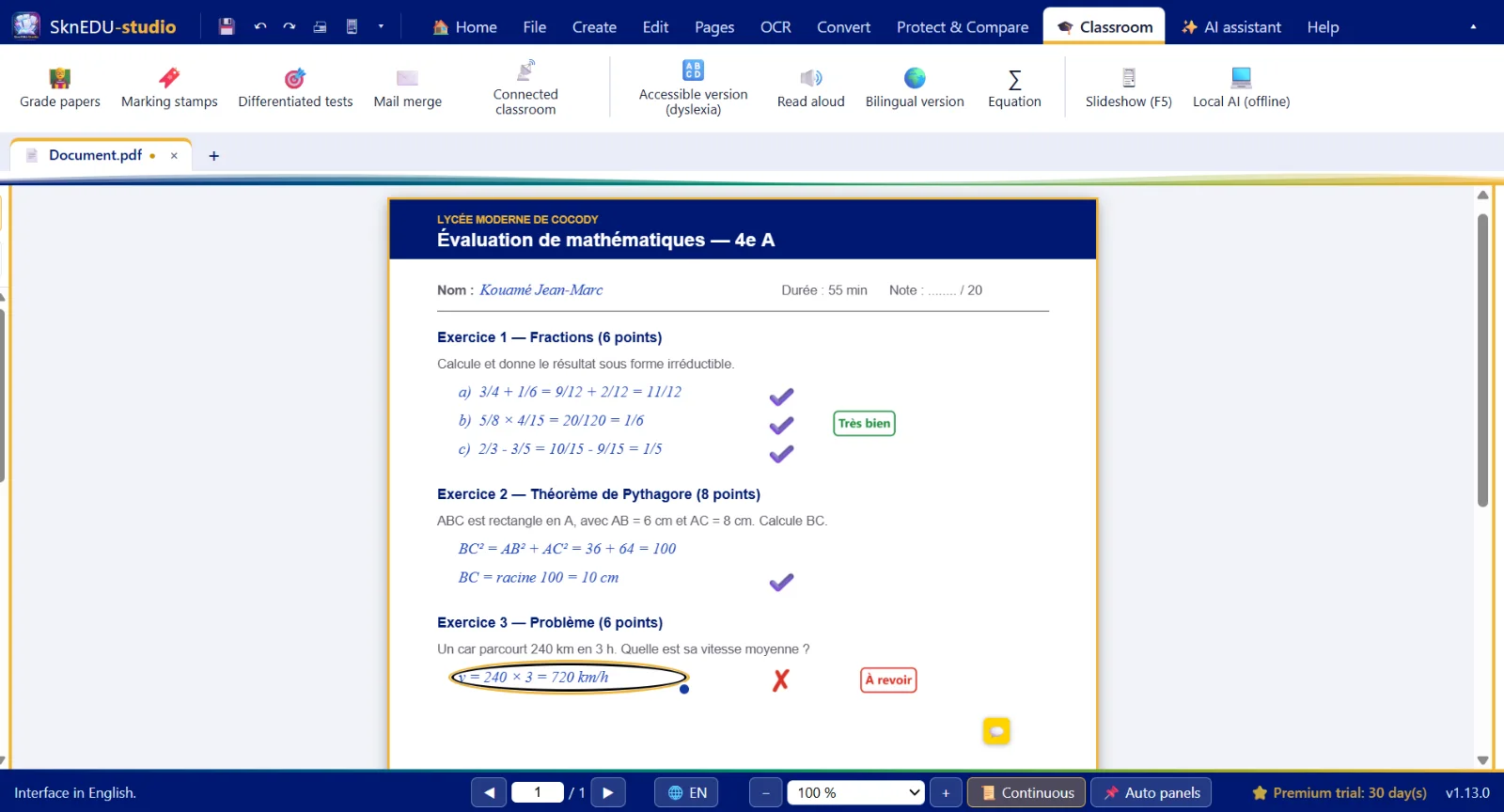
One piece of software for your tests, worksheets, papers and lessons: designed with and for teachers.
Fix a typo right inside the PDF: the text is rewritten in its original font, size and colour, whole paragraphs included. Find and replace across the document.
Make scans and scanned papers searchable and editable: French, English, Spanish, German, Italian, Portuguese, Arabic.
PDF ↔ Word, Excel and PowerPoint conversions with nothing to install, tables rebuilt as real cells, save back to the original format.
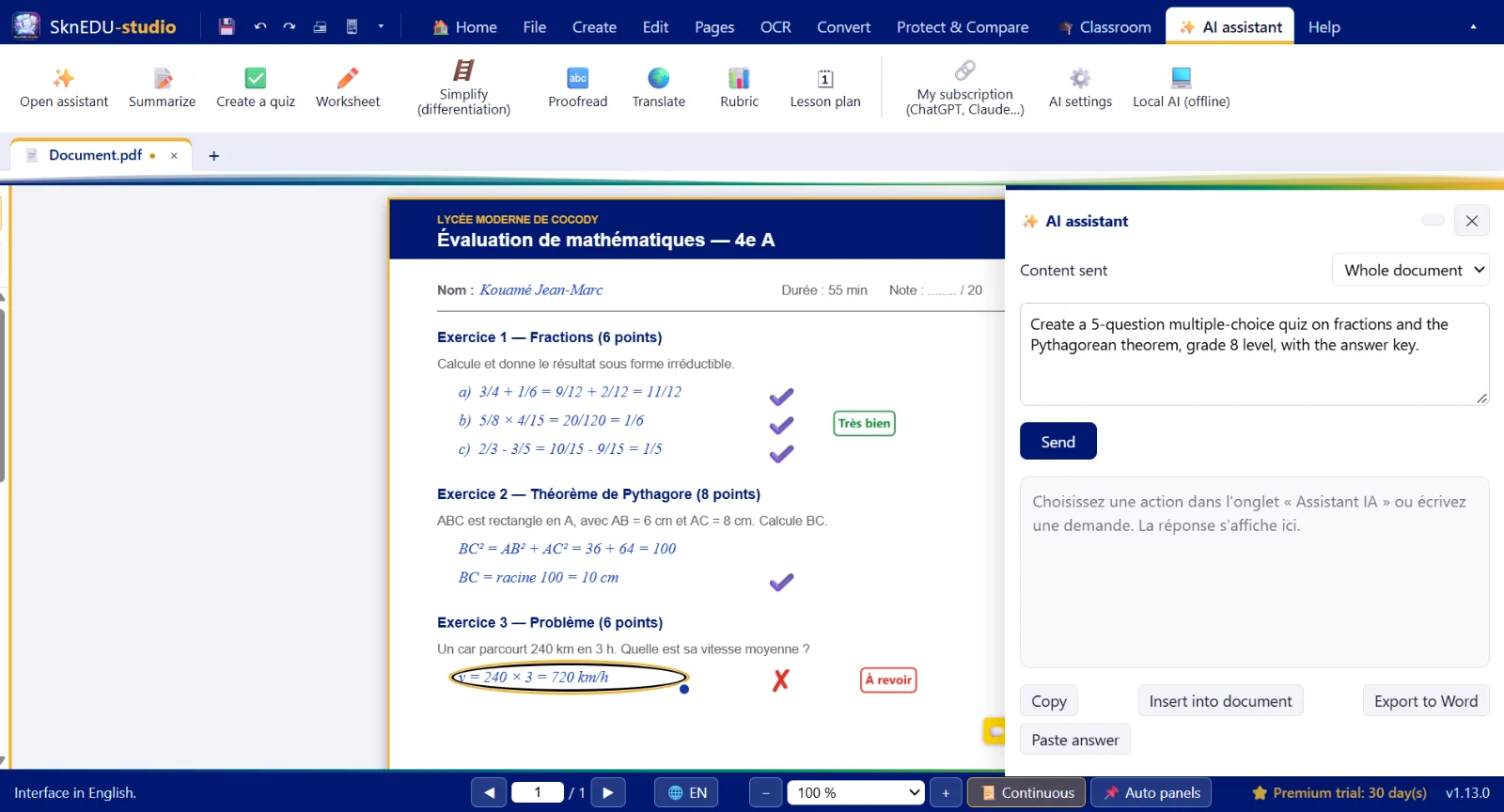
Summary, quiz, worksheet, simplified version, rubric, lesson plan… with Claude, ChatGPT, Gemini, Mistral (your own key) or a free local AI that works offline.
One-click stamps ✔ ✘ “Very good”, “Revise”…, marking scheme, marks and comments on papers, Excel export. AI can read handwriting: you approve every mark.
Three difficulty levels, shuffled A / B versions, answer key, Moodle (GIFT) and spreadsheet export.
One PDF per student from Excel or CSV ({{Name}}, {{Class}}…): report cards, certificates, notices.
Share a worksheet by QR code on the room's local network: students download it and hand in their work, no Internet needed.
OpenDyslexic font, adapted line and letter spacing, reading ruler and read-aloud.
Full screen with pen, whiteboard, timer, laser pointer and presenter mode on two screens.
No connection needed to work. Automatic recovery copy if the power goes out.
Interface fully in French or English, switch instantly without closing your documents.
And also: annotate, fill in forms, sign, scan, organise pages, print 2 or 4 pages per sheet, password-protect, compare two versions, save to OneDrive, Google Drive or Dropbox…
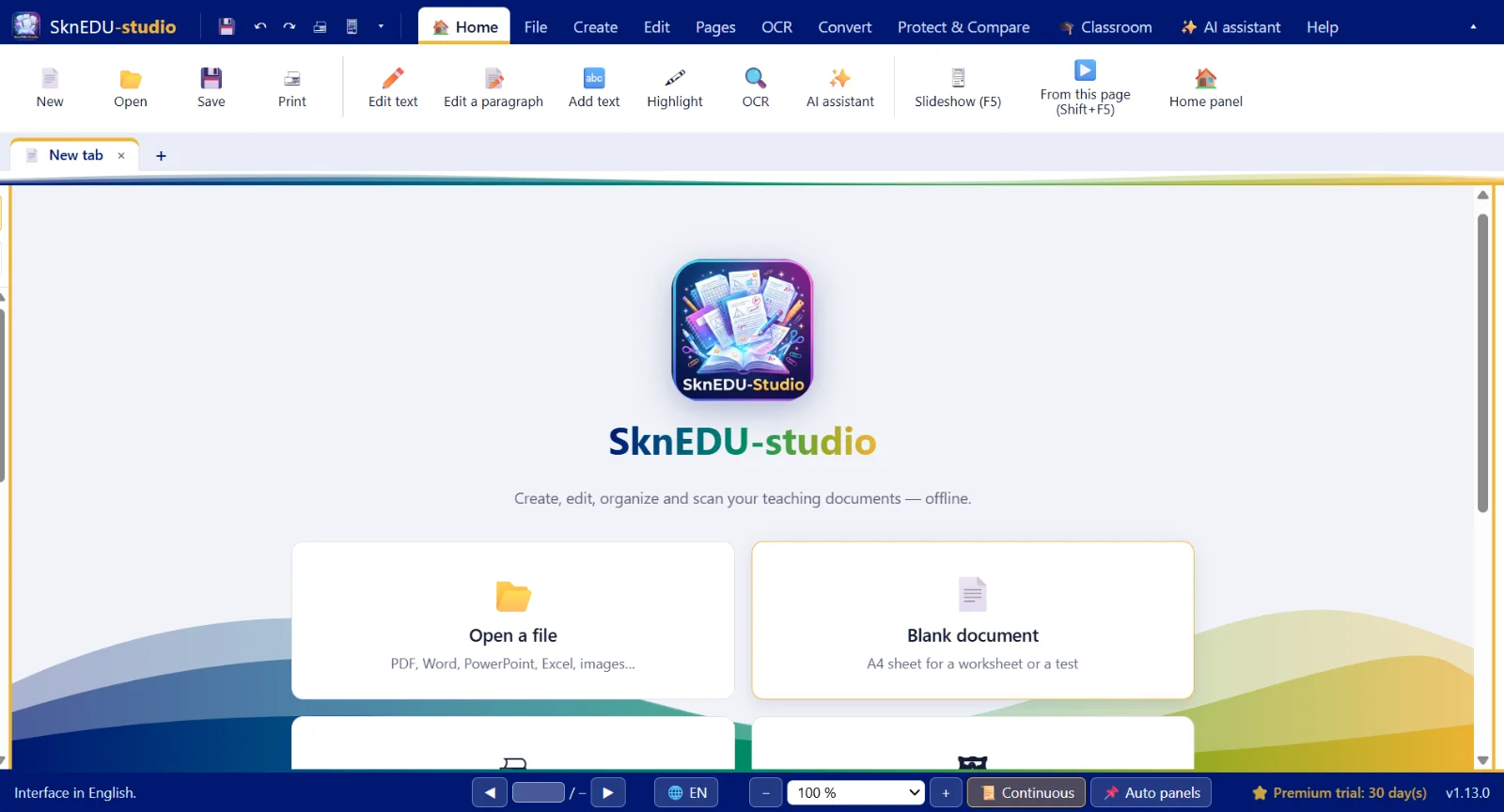
The software works without Internet and keeps a recovery copy of your documents: after a power cut, they are offered when you restart.
Wave or MTN MoMo, no bank card needed. Your licence arrives by WhatsApp or e-mail.
A question before buying or during installation? Message us at +225 05 06 84 81 64.
No usage statistics, no mandatory online account: your e-mail address stays on the computer.
When you install: a 30-day free trial of every feature (e-mail account required). After that, the free version, or a licence for Premium features.
0 FCFA
After the 30-day trial, with no time limit
For every teacher
from 5,000 FCFA
7,000 FCFA
per seat per year — 10 seats minimum, i.e. 70,000 FCFA / year
Download SknEDU-studio and create your account with your e-mail address: 30 days to try everything.
In the software: Help › Get a licence. Pay by Wave or MTN MoMo, send the request by WhatsApp or e-mail.
Paste the SKN1.… key you received into Help › Licence and edition › Activate.
No. SknEDU-studio works offline. Internet is only needed to download the software and its updates, to activate a licence, and for the online AI assistant (the local AI works without Internet).
The software switches to the free version, with no time limit: read, annotate, organise, fill in, sign, print. Premium features require a Teacher or School licence. The trial is tied to the computer and can only be used once per machine.
By Wave or MTN MoMo to +225 05 06 84 81 64 (ZintaServices), then send the request and proof of payment by WhatsApp or e-mail. You receive your licence key in return.
Yes. Deactivate the licence on the old PC (Help › Licence and edition), then activate the same key on the new one: it keeps its remaining days.
No. Your documents stay on your computer. Nothing is sent without you asking (see the Privacy page).